The Best Force Feedback Settings for Sim Racing
Finding the best force feedback settings for sim racing is one of those topics where almost everyone starts with the wrong assumption: more force equals more information equals faster lap times. I spent years coaching drivers in iRacing — reaching the top 1% of quickest drivers myself — and the honest answer is more nuanced, and a lot more useful than the usual "crank it up" advice you see online.
In this article I'll walk you through the exact force feedback philosophy and settings I use, why lower FFB is objectively faster in many situations, when higher FFB is the right starting point, and how to find the minimum setting that still gives you every cue you need to stay fast and consistent.
Want the numbers rather than the reasoning? Our FFB settings tool gives you a cross-checked starting point for 25 wheelbases — Fanatec, Moza, Simucube, Simagic, Asetek, Logitech and Thrustmaster — across iRacing, ACC, Assetto Corsa, Automobilista 2 and Le Mans Ultimate, on the base and in the game. Set those first, then come back here to understand what you're actually adjusting and why.
Why Lower Force Feedback Is Usually Faster — But With an Important Catch
Lower force feedback is faster. That's the headline. But here's the catch: you need higher FFB up to a point first, especially when you're starting out or switching to a new car.
Think about a tight chicane where you need quick hands and you're cutting curbs. With a stiff FFB setting you lose time in two ways. First, the heavier wheel simply takes longer to flick from lock to lock — and in sections where fast hands are how you gain time, that delay costs you. Second, over the course of a race stint, fighting a hard wheel makes you tired and more prone to mistakes.
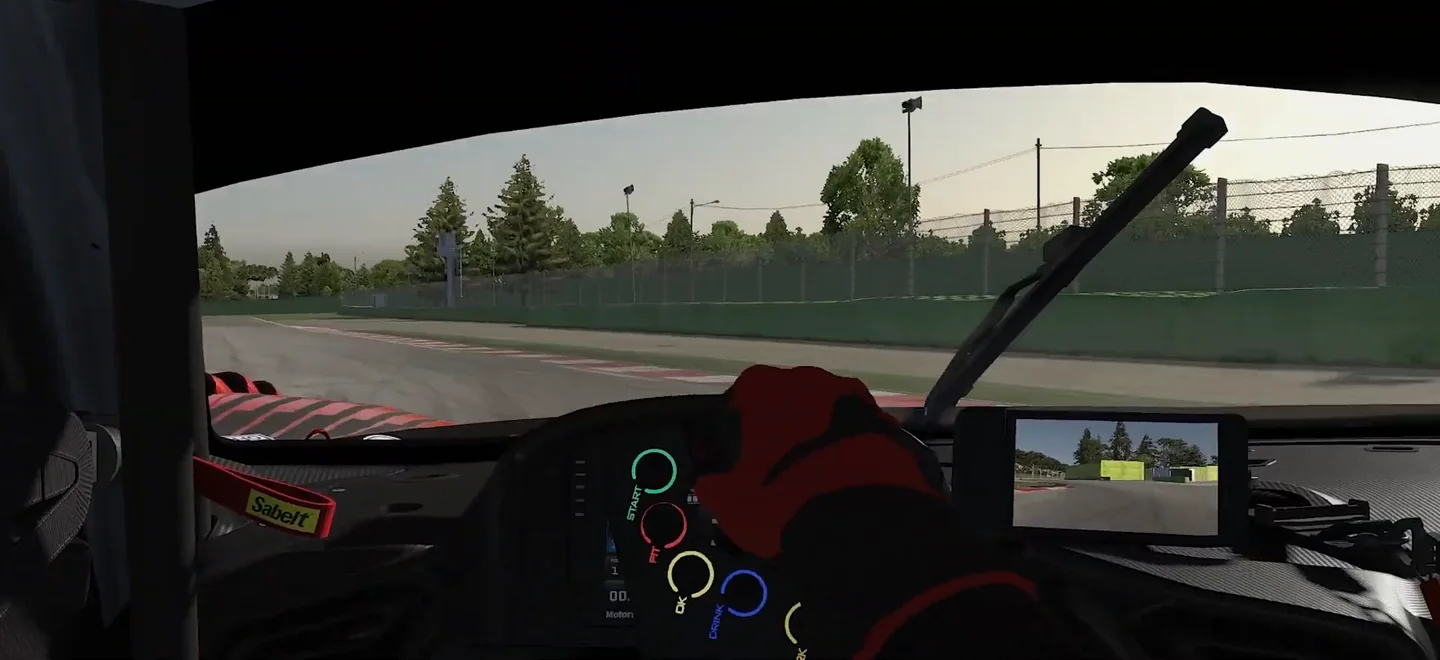
There's a reason why, when you compare real-life lap times with simulator lap times, the real-life lap is often a little slower. Real drivers deal with real steering loads. In sim racing you can remove that physical fatigue completely and focus purely on the inputs that make you faster.
The formula is to drive with higher FFB for a while so you learn the precise feeling of losing grip — then progressively lower FFB while using light hands and increased focus to still feel the tyre slip.
The Real Reason Expensive Wheelbases Are Worth It
Before I show you the settings, there's a question worth addressing: if lower FFB is faster, why bother with a high-Newton-metre wheelbase at all?
Raw torque is only part of the story. The more important spec is slew rate — how fast the motor can change direction and deliver a signal. A high slew rate means the wheelbase gives you sharp, accurate force feedback, especially in the moments that matter most: losing traction, fishing for grip at the limit of understeer, catching a slide on corner exit. A cheap base with high torque but a low slew rate gives you a slow, mushy signal that's actually harder to read than a lighter, crisper one.
So yes, get the best wheelbase you can afford — but understand it's the resolution of the signal you're paying for, not the arm-workout.
My Force Feedback Settings and How to Apply Them to Your Wheelbase
I'll walk through my approach. Even if your wheelbase software looks different, you'll find equivalent settings in almost every major platform.
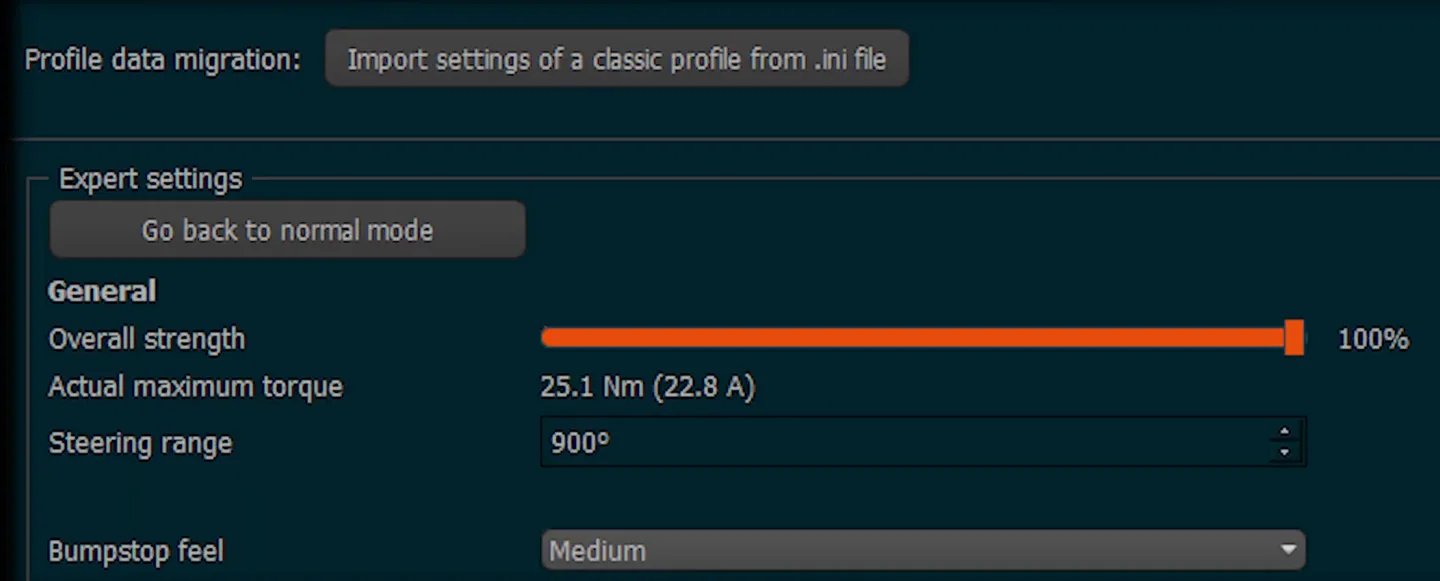
Overall Strength: 100% in the Wheelbase Software, Reduced in the Game
Start with 100% overall strength in the wheelbase software, then dial the force down inside the sim. This keeps the signal chain clean — you get the full resolution of the hardware and manage the feel at the game level. Doing it the other way (weak signal from the base, boosted in-game) introduces noise and compression into the signal.
Latency Filters: Turn Them Off or Minimise Them
Any setting in your wheelbase software that's described as minimising latency — check it or enable it. Speed of signal matters. On my base, this is the Reconstruction Filter — I have it active.

Damping: ~5% (Low, Not Zero)
I use around 5% damping. That's a low value, but not zero. The small amount of damping stops the wheel feeling overly light or "floaty" without adding meaningful resistance. Crucially, low damping lets you quickly flick the wheel back on corner exit, which helps prevent wheelspin and keeps the car controllable through fast direction changes — chicanes especially.

Friction, Inertia, and Static Force Reduction: Off
I set friction, inertia, and static force reduction all to off. These settings tend to stiffen the wheel at rest and slow down your corrections. Turning them off means the wheel responds immediately, which makes it easier to absorb bumps and deal with difficult curbs without the steering fighting you.
Slew Rate: Experiment to Find Your Sweet Spot
If your wheelbase allows you to adjust slew rate, you need to experiment with it. You want sharp responses without the signal becoming overwhelming. The best place to feel the effect is under trail braking — when the car is at a high slip angle and rotating into the apex. A well-tuned slew rate helps you feel that rotation and catch slides. Too fast and it's twitchy; too slow and it feels vague.
Finding Your Minimum Effective FFB: A Step-by-Step Process
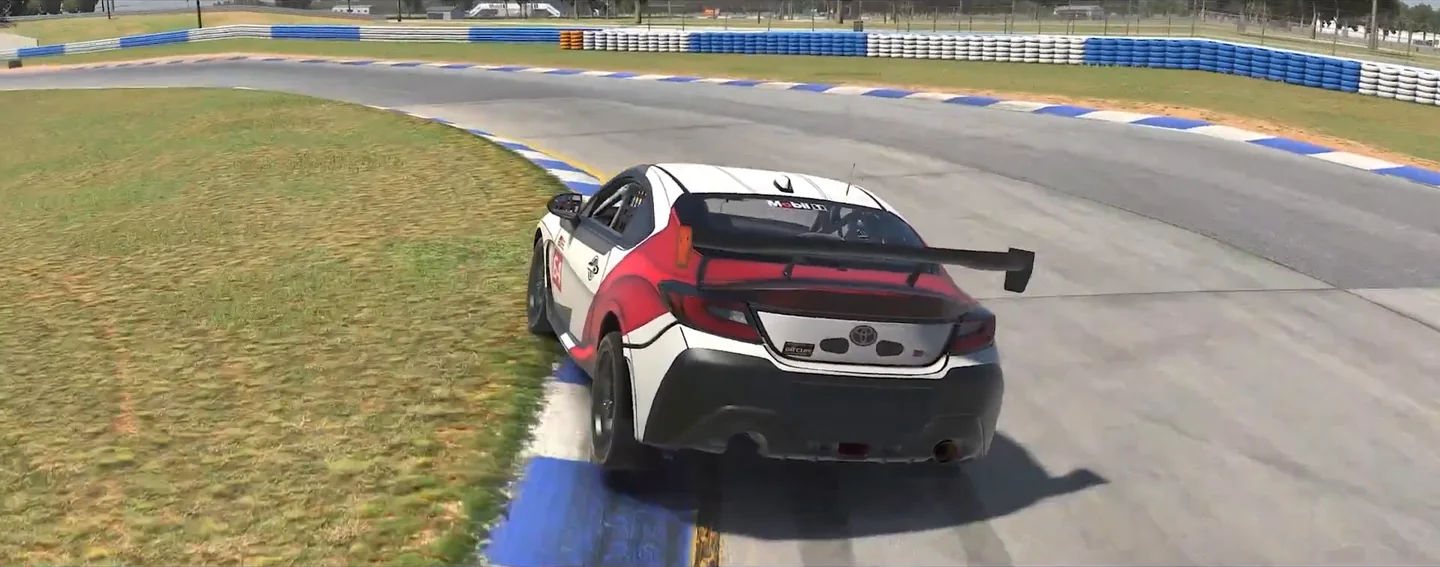
- Start high. Set a force level that clearly communicates grip loss. Drive several sessions with this setting on a track you know reasonably well. The goal is to build a clear internal model of what tyre slip feels and sounds like through the wheel.
- Drop the overall FFB by a small increment. In the sim, lower the FFB strength by 5–10%. Keep driving the same sessions.
- Use lighter hands. As you lower FFB, consciously reduce your grip pressure on the wheel. Let the wheel move more freely. This amplifies the smaller signals — you'll be surprised how much information is still there.
- Ask: am I still catching the key cues? Can you feel the onset of understeer? The moment the rear starts to step out? If yes, drop another increment. If you're losing those cues, you've gone slightly too far — go back one step.
- Set that as your baseline. You've found the minimum effective FFB value: the lowest setting that still gives you everything you need to keep the car neutral.
- Track-specific adjustment for chicane-heavy circuits. For tracks like Imola with big curbs and rapid direction changes, drop your FFB a few more clicks or reduce damping by a few percent just for that track. Hard FFB on those sections will actively slow your lap time.
Hard FFB Isn't Always Wrong — Context Matters
I want to be fair here. There are genuinely quick drivers who use stiff FFB settings, and their reasons are valid within their context.
Yaro Obi is known for very stiff settings — but he races primarily in F1 titles where the curb implementation is more forgiving and fast direction changes matter less. Daniel Morad, a real-life racing driver who also sims, uses stiff FFB deliberately because he wants to reinforce the same physical habits he uses on track. For him, the sim is partly a physical training tool.
For most sim racers, neither of those contexts applies. For the majority of drivers — especially those racing iRacing or other titles with aggressive kerb physics — hard FFB will be slower, not faster.
The Middle Ground: Keep High FFB for Specific Sessions, Not All of Them
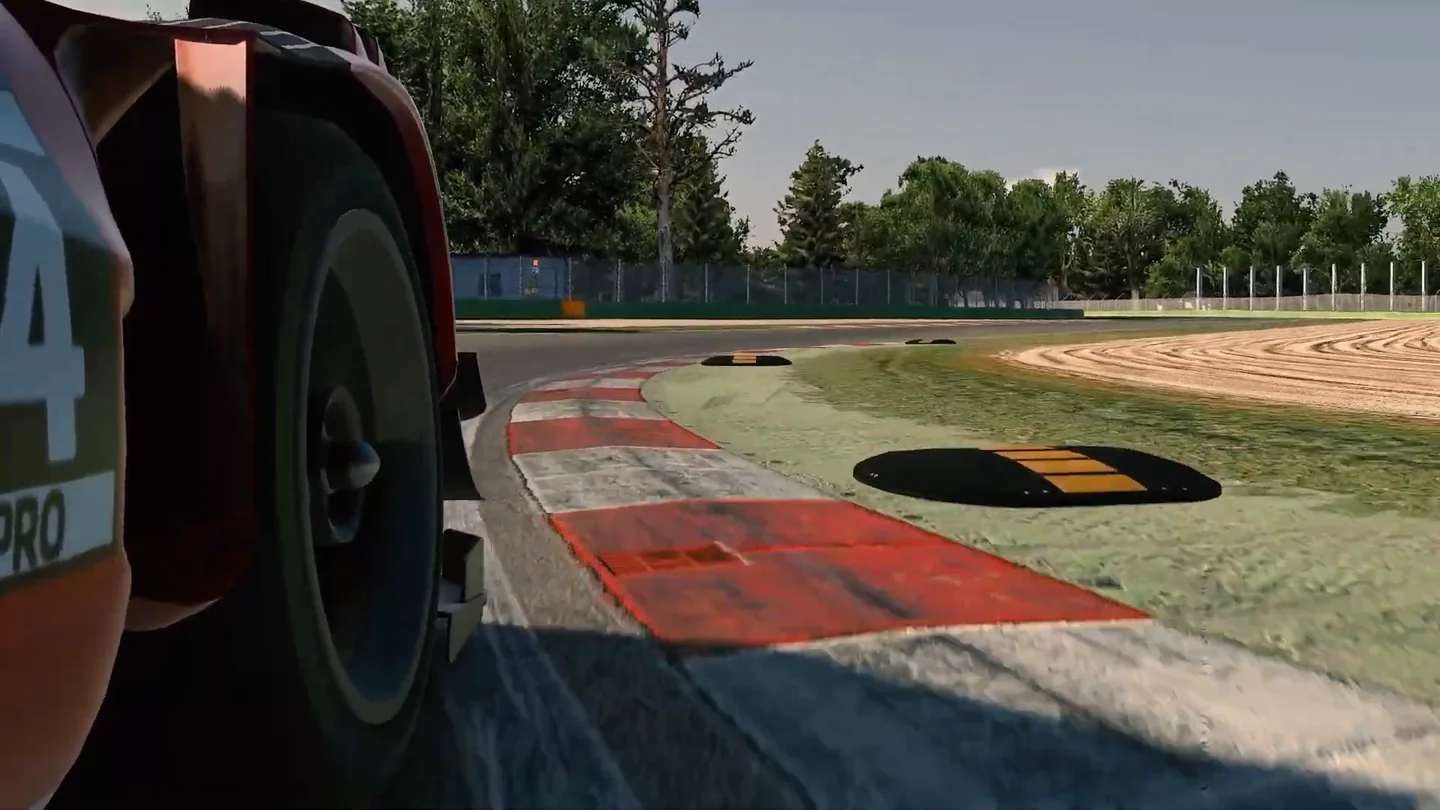
If you genuinely enjoy the immersion of a heavier wheel and race with hard FFB as a kind of workout, I won't tell you to change your whole setup permanently. But do me one favour: for tracks with heavy chicanes and curb-cutting sections, lower the FFB just for those events. Drop it a few clicks in-game or reduce damping a few percent. Even that limited change will give you measurable time back on sections where fast hands are the difference.
Hard FFB has one legitimate purpose: learning what grip loss feels like. Once you know those cues well enough to recognise them with less force, lower the setting and use light hands to stay sensitive to the same signals. The more you can reduce FFB while still reading the tyre, the faster you will navigate the track.
It's worth knowing exactly what you're listening for: the cue is the moment the wheel stops getting heavier, not the weight itself — which is why a powerful base can still tell you very little.
The One Principle That Ties It All Together
After everything above, the actual goal is simple: find the minimum FFB value that still gives you the cues you need to keep the car in a neutral balance state. Not the maximum you can handle. Not the setting that feels most impressive. The minimum that keeps you informed.
Those cues are worth more than feel. Once the wheel tells you the car understeers on entry or steps out under power, you have a diagnosis — and the sim racing setup troubleshooter turns that into the setup changes to test, in order, or tells you honestly that the first fix is the driving.
Everything else — the wheelbase settings, the damping, the slew rate — serves that one goal: a fast, accurate, low-latency signal delivered at just enough strength to tell you what the tyres are doing.
Force feedback is a significant piece of the puzzle, but remember it sits below sim racing technique in the priority list. Get your settings dialled in using the process above, then put your energy into the inputs themselves — that's where the real lap time lives. Start with one session this week where you deliberately experiment with a lower FFB value and light hands. You might be surprised how fast it feels.
Sim racing FFB settings FAQ
What is FFB clipping in sim racing and how do I know if my wheel is clipping?
Clipping happens when the game asks for more force than your wheelbase can physically deliver, so the strongest cues all flatten out at the ceiling and you lose detail exactly when grip is changing. It feels like the wheel goes numb or dead-heavy through the corners that matter most. Most sims have an on-screen FFB meter, or a telemetry app, that fills and changes colour when you max out. If it sits pinned there, lower the in-game gain a few percent until the peaks stop maxing out.
What are the best force feedback settings for a beginner on any wheelbase?
Set overall strength to 100 percent in the wheelbase software and manage the actual feel by lowering the gain inside the sim, which keeps the signal clean. Use roughly 5 percent damping, turn friction, inertia and any static-force reduction off, and enable whatever low-latency or reconstruction filter your base offers. Begin with fairly strong in-game force so you learn what losing grip feels like, then gradually reduce it while driving with lighter hands. Aim for the minimum force that still tells you what the tyres are doing.
Why does my sim racing wheel oscillate or shake when I let go or drive straight?
Self-oscillation usually means too little damping or too much raw force, so the motor overshoots and fights itself with nothing to settle it. Letting go exposes this because your hands normally absorb it. Add a small amount of damping, around 5 percent, which calms the wheel at rest without making your corrections feel sluggish. If it persists, trim the overall gain down a touch. A little notchiness near centre on direct-drive bases can also be smoothed slightly with a reconstruction or interpolation filter.
How do I get force feedback to feel grip instead of just feeling resistance?
Grip information lives in the small changes in force as the tyres start to slide, not in how heavy the wheel feels overall. A very stiff setting can actually bury those subtle cues and tire your hands, while a lighter, crisper signal lets the onset of understeer or the rear stepping out come through clearly, especially when you relax your grip. The trick is finding the lowest force that still communicates grip loss, then driving with light hands to stay sensitive to it. Reading those cues reliably is a driving skill rather than a settings one, so it is trained the same way as any other: by having someone watch what you actually do with them. That is what structured sim racing training is for.
What FFB settings should I use for ACC versus iRacing?
The core philosophy carries across both. iRacing has aggressive kerb physics, so a stiff wheel costs you most on chicane-heavy tracks like Imola; set its Strength with the auto button, then trim it so the force bar only fills over big kerbs. ACC uses an in-game Gain control with an on-screen FFB meter that turns red when clipping, so lower Gain until those peaks stop. In both, keep the wheelbase at full strength and find your minimum effective force per track.
Do I need an expensive high-torque wheelbase for good force feedback?
Not for the raw strength alone. The spec that matters more is slew rate, how fast the motor can change direction and deliver a clean signal. A high slew rate gives sharp, accurate cues when you are catching a slide or fishing for grip at the limit, whereas a cheap base with big torque but a slow response feels mushy and is harder to read than a lighter, crisper one. You are paying for the resolution of the signal, not the arm workout.
This guide is part of the free library at GitGud Racing Academy — an online sim racing academy built around weekly lap reviews, structured courses, drills and training tools.
Train this the right way
Reading is step one. Build it into muscle memory with structured, car-specific courses and personal lap reviews from a coach — inside the Academy.
Join the Academy · $39.99/mo incl. VATWatch the full video on YouTube