5 Sim Racing Brake Pedal Tips I Wish I Knew Sooner
Getting your sim racing brake pedal setup right is one of the most impactful things you can do before you touch a braking point or a trail-braking technique. I've coached enough drivers to know that people spend hours dialling in their car setup while driving with a braking pedal that's working against them. In this guide I'm going to walk you through the five brake pedal tips I wish I'd known from the start — covering your rig, ergonomics, software settings, pedal feel, and what to look for on track.
The five things to fix first
- Stop the pedals and seat moving under load
- Fix your pedal and heel position
- Calibrate your dead zone
- Set a maximum brake force you can actually sustain
- Learn the stages of your brake pedal travel
In that order, and the order matters: settings dialled in on a pedal that still moves will have to be dialled in again once it stops.
I'll take you through it in the same order I tackle it with students: start physical, then move to settings, then verify it on the road. Skip any step and the later ones won't give you the precision you need.
Tip 1: Stop pedal movement before you change any settings
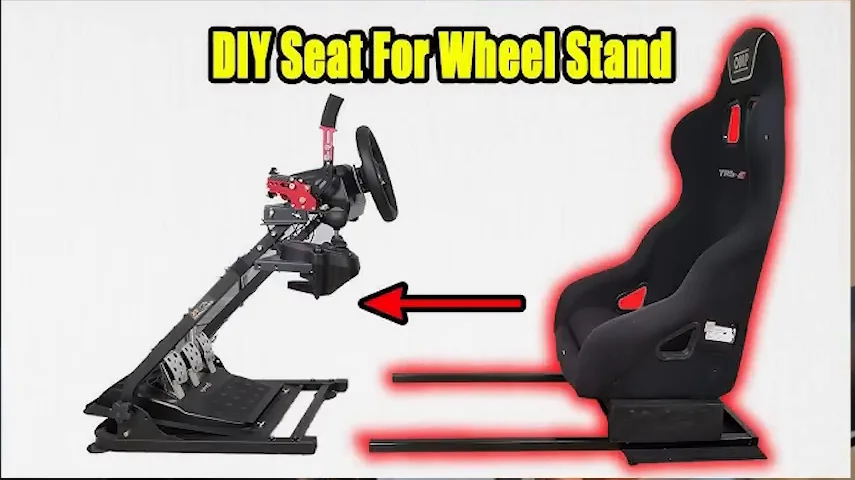
This is the most overlooked brake pedal tip in sim racing, and no amount of software tuning fixes it. If your rig is moving while you brake, you cannot be consistent — full stop. I know because I was racing with a wheel on my desk and pedals on the floor, and every hard braking zone sent me rolling backwards in my chair. You could have the most expensive load-cell pedals in the world and it won't matter.
Before anything else, make sure there are no moving parts when you press the brake. If you already have a dedicated rig, look for cheap DIY reinforcements — extra clamps, a heel stop, a carpet anchor. If you don't have a rig yet, this is the upgrade that will improve your lap times more than a new pedal set. A sturdy DIY solution beats expensive pedals on a wobbly desk every time.
Tip 2: Set up your pedal ergonomics for maximum leverage
Once the rig is solid, sort the ergonomics. Two things matter most here: pedal spacing and heel position.
Pedal spacing — press perpendicular, not diagonally
If your pedals are packed too close together, your left foot approaches the brake pedal at an angle. You're pressing diagonally instead of straight into the face of the pedal, which means you're not using the full biomechanical leverage of your foot and leg. Spread the pedals to a spacing that matches the natural width of your feet when relaxed. You'll feel the difference immediately just by sitting in the rig — it's more comfortable, and you'll be able to push harder because the force goes straight in.
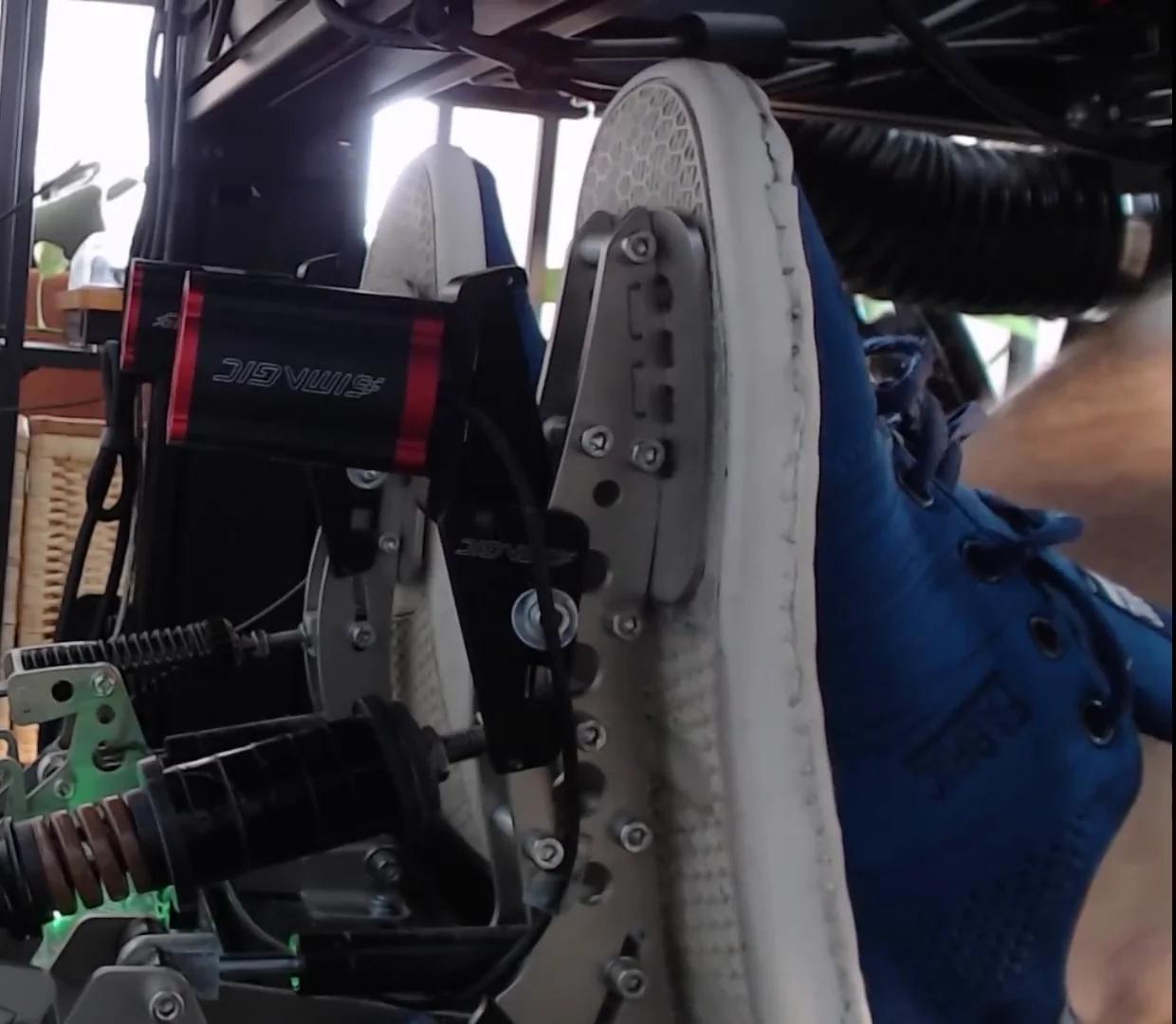
Heel position — keep it planted
Whether you run a GT seating position or something more like a formula hybrid, the rule is the same: keep your heel planted on the plate and press with the ball of your foot. The moment you lift your heel to get more reach, you lose leverage and you lose control. If you find yourself lifting your heel under hard braking, it's a sign your seat or pedal position needs adjusting — not something to ignore and adapt to.
Also check where the pedal face sits on your foot. You want the ball of your foot on it — not the middle of your arch, not your toes. The wrong contact point limits how much force you can apply and how precisely you can modulate it.
Tip 3: Calibrate your dead zone with the 1% control test
Now we're into software. The dead zone on your brake input is more important than most drivers realise. Here is why: when you're actually racing — heart rate up, braking late, tensing up — you press the brake pedal harder than you think, including at times you don't want to be braking. I had a student who was holding four or five percent brake pressure while still at full throttle on the straight, just from tension before the braking zone. A properly sized dead zone prevents that from corrupting your data and your lap.
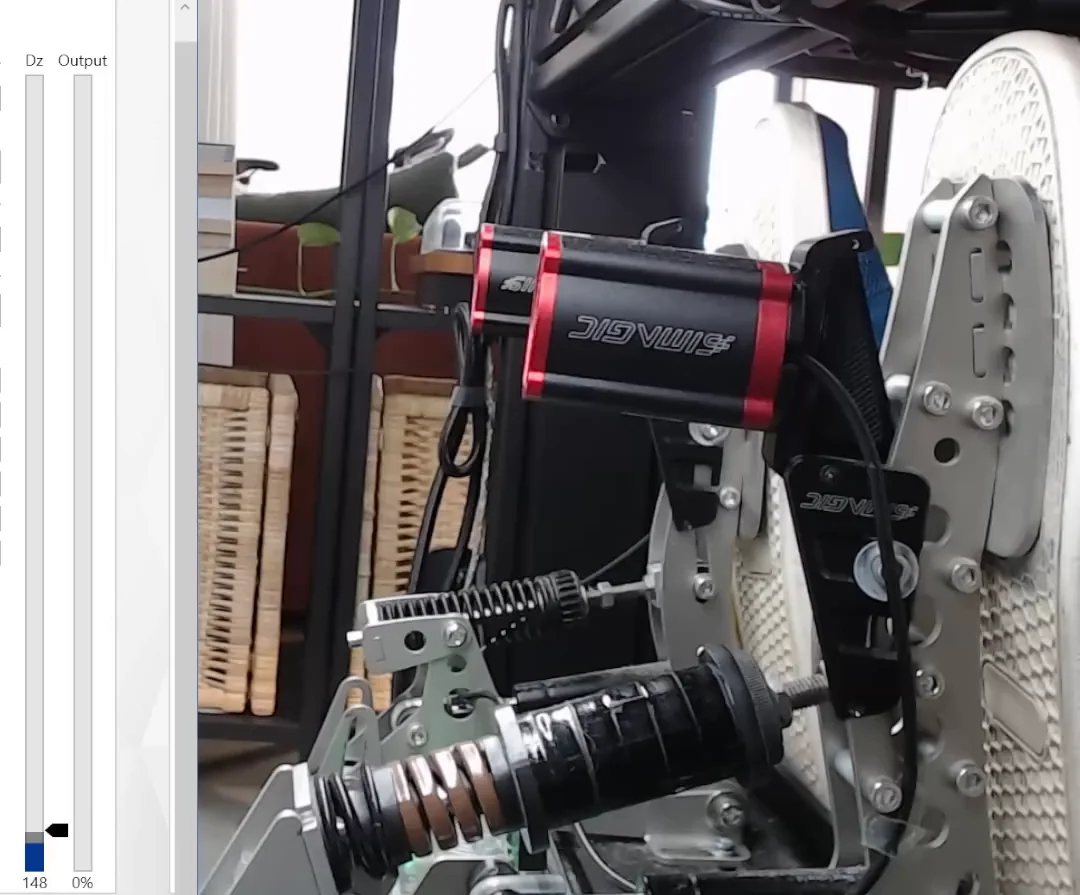
But the dead zone can also be too large. If it's oversized, you lose resolution in the lower end of your brake trace — exactly where trail braking lives.
The 1% control test
Do this with a telemetry or pedal overlay visible so you can see your exact brake percentage in real time:
- Press the brake to around 20% pressure.
- Slowly release it, dropping by approximately 1% at a time: 19, 18, 17… down toward zero.
- Watch for the point where you lose control of that 1% increment — where it starts jumping between values rather than stepping cleanly.
- If that happens at, say, 4%, your dead zone is too large. You need precise control down to 1% to trail brake effectively.
- If you can hold a steady 1% without it flickering to zero, your dead zone is dialled in.
Adjust your dead zone value until you have clean, controllable output all the way from 1% upward.
If the problem is that you cannot reach full pressure at all, or your backside lifts off the seat trying, that is geometry rather than calibration — your knee angle at full brake decides how much of the pedal your leg can actually use.
Tip 4: Find the right maximum force with the 10-second hold test
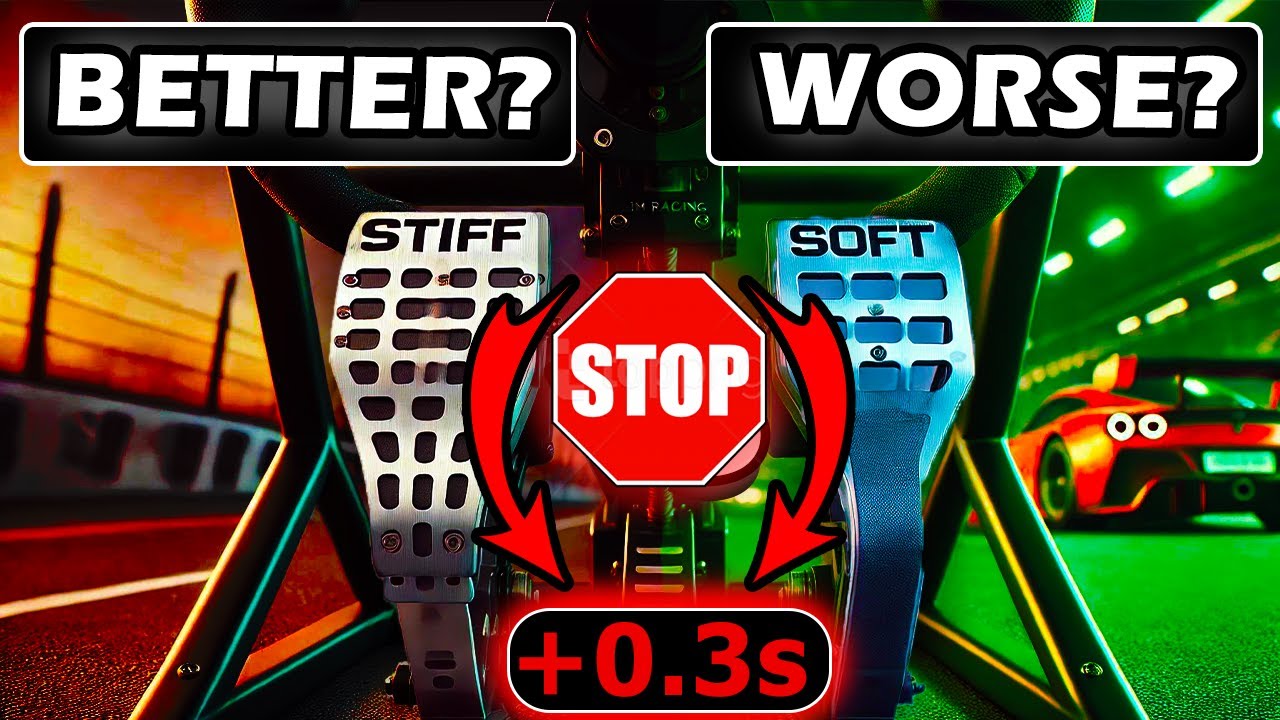
If you want a starting point rather than a blank slate, I tested pedal stiffness from 30 kg to 120 kg to see which was actually fastest — and the stiffest setting lost: my brake pedal settings test.
Maximum brake force — the physical resistance of your pedal — determines how much precision you have at high braking pressures. The goal is a force that's hard enough to give you good modulation but not so hard that your muscles fail before the braking zone is finished. Dropping from 80% to 60% because your leg gives out is a consistency killer.
A brake pedal that's too easy leads to overbraking and overheated tyres. A pedal that's too hard leads to pressure dropping away before you intend it to. The right force is one you can hold firmly for about ten seconds — it should feel challenging, but not impossible.
Note that ergonomics come first for a reason: if your heel is lifting or your foot is pressing at an angle, you'll be fighting a strength problem caused by a position problem. Fix the position first, then tune the force.
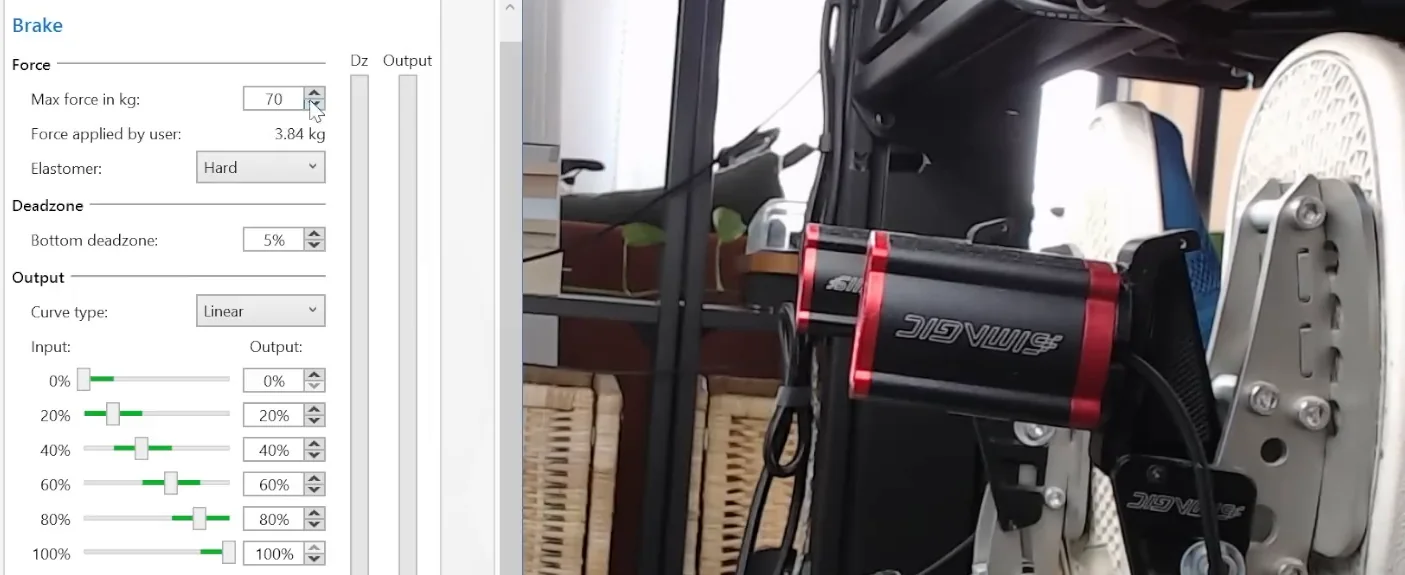
The 10-second hold test
- With telemetry visible, press the brake to 80% and try to hold it there for 10 seconds.
- If it immediately drops to 60–70% because your leg fatigues, lower your maximum force setting (for example, from 80 kg to 70 kg) and try again.
- Once you can hold 80% for 10 seconds — it should feel challenging but manageable — that's your working range.
- If you can hold 80% for 20–30 seconds with no discomfort at all, increase the force slightly. Too easy means you'll overshoot the pressure in real corners.
- Repeat the test at your new value until the 10-second hold feels firm but doable.
Tip 5: Understand your pedal's travel stages and use them as a cue
Most modern sim racing pedals offer some version of a two-stage braking feel — a softer, more compliant first stage that transitions into a stiffer second stage as you press harder. Even if your pedal doesn't have literal dual springs, understanding this concept will change how you use it.
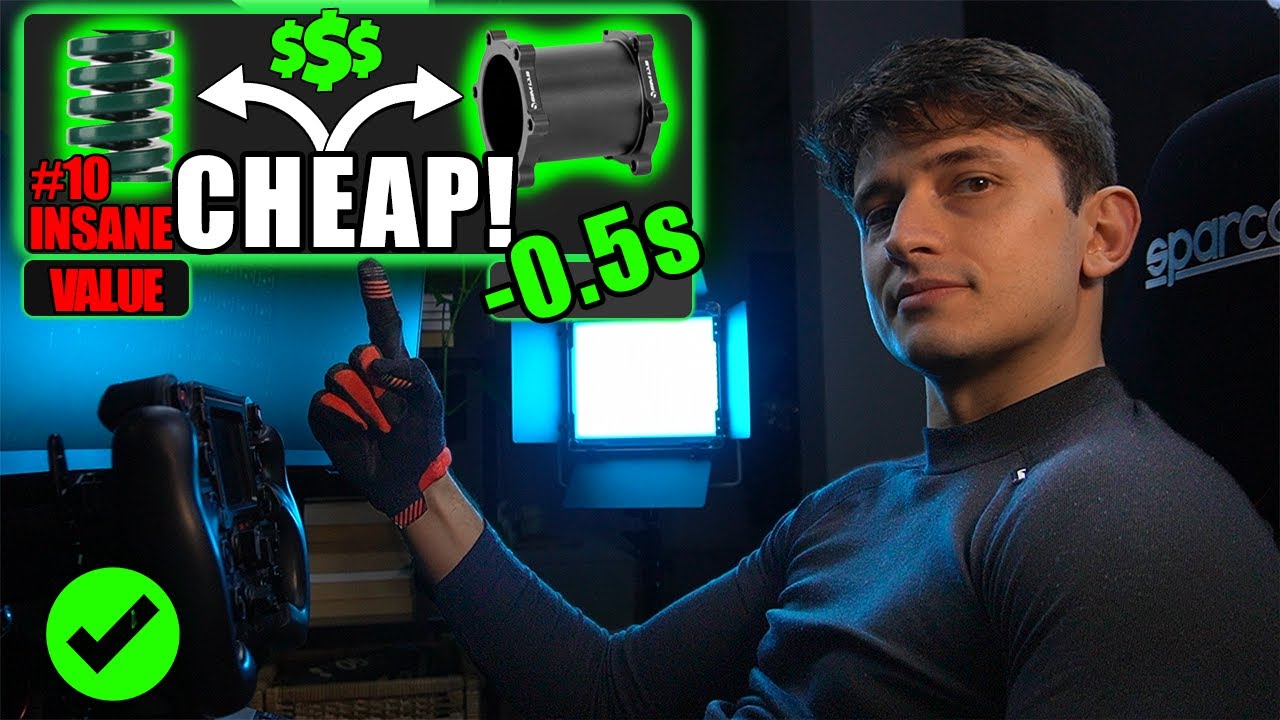
The way I have my pedal set up: a softer black spring compresses through roughly the first 30% of travel, giving me clear physical feedback that the pedal is moving. Then a much stiffer brown spring takes over, and from around 60–70% onward the travel becomes very short. You can feel — and see on camera — how little the pedal moves from 60 to 80% compared to the first 30%.
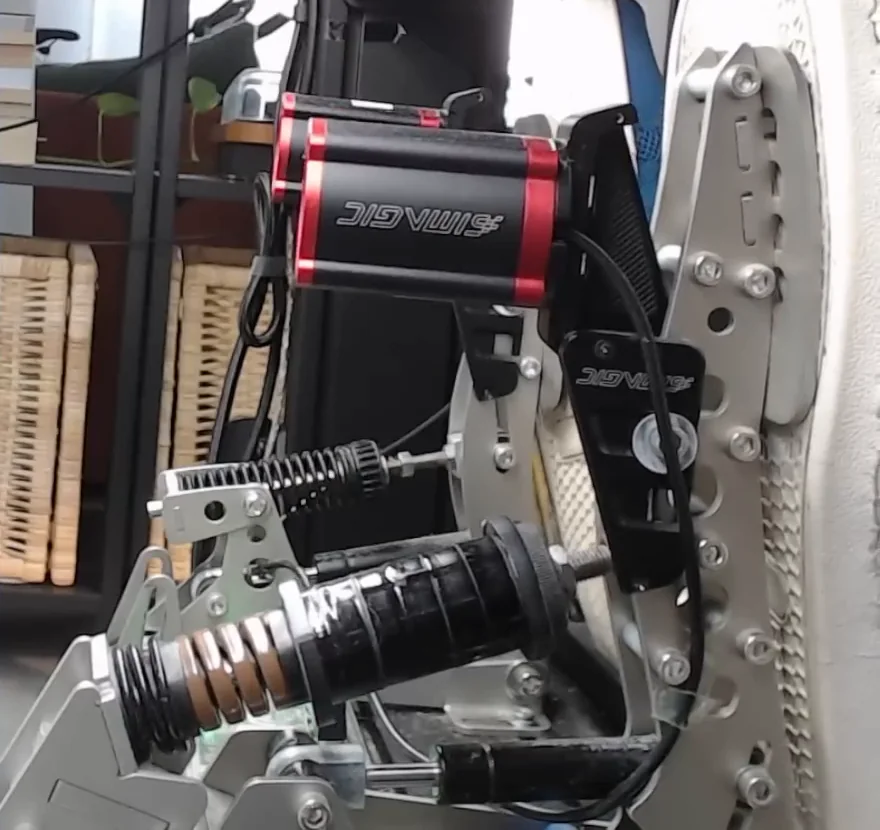
Here is why that matters for your driving: the transition into the stiffer stage is your cue to hold constant pressure. When you feel that switch, your brain knows: this is where I maintain. This is the part of the brake trace where drivers drop pressure too early — they brake hard, touch the stiff stage, then unconsciously ease off because the resistance surprises them. If you've mapped that feeling consciously, you can override the instinct and hold it.
To build this awareness, put a webcam pointing at your pedals and watch yourself brake. See the travel shrink as you go through the stages. Then close your eyes and recreate that feel by sensation alone. Once you can feel the two stages without looking, you'll start using that cue automatically on track.
What you don't want is a pedal that's uniformly stiff from zero to 100%. The early softness gives you a sense of movement and progression — it makes the initial hit feel intuitive. The stiffness at the top gives you precision and stopping power. You need both.
Once the pedal itself is configured properly, the next thing costing you time is what you do with it — how to trail brake is the skill all of this was setting up.
What to look for on track
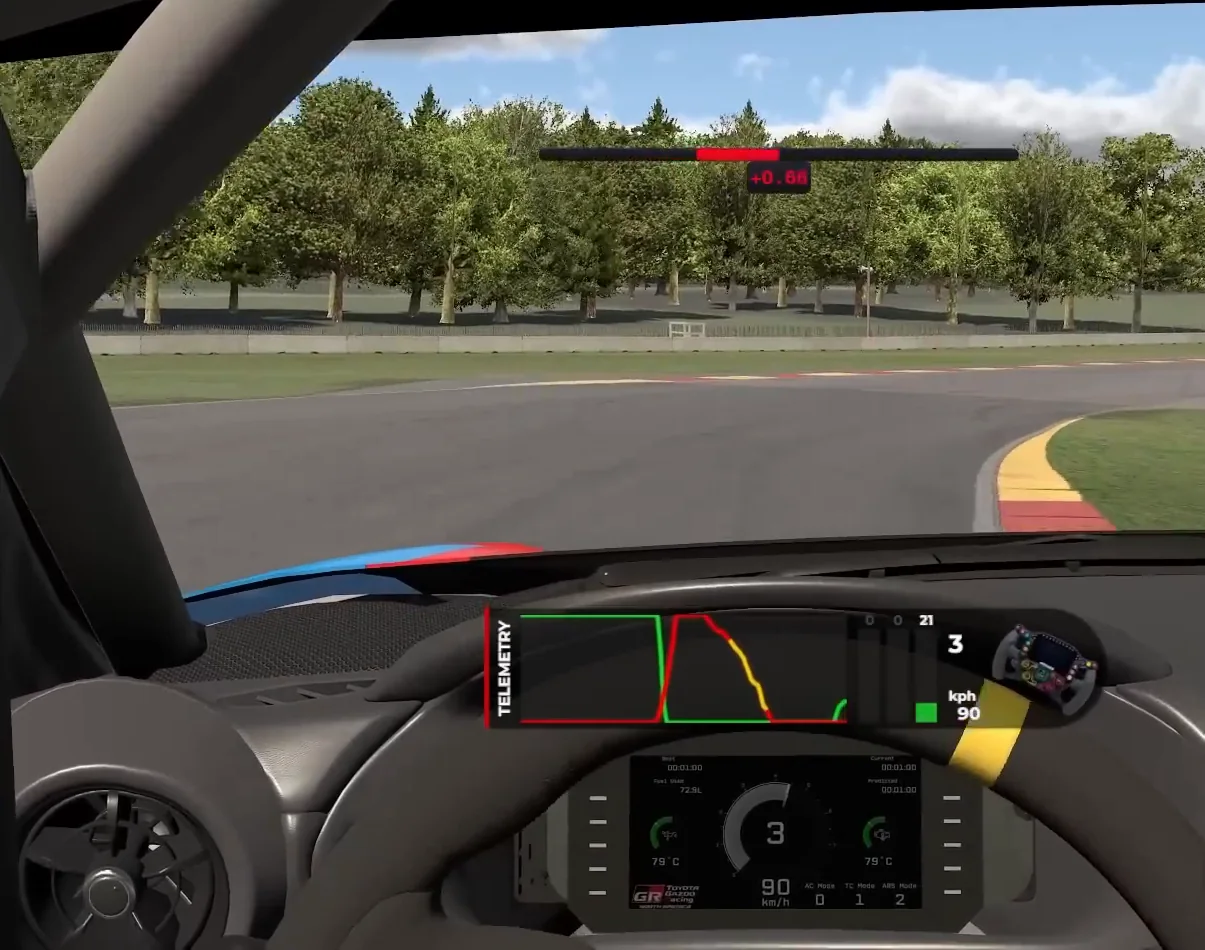
Once the setup is right, take it to a track session with a brake trace or telemetry overlay and look for three things:
- ABS activation timing. Some cars — the GR86 in iRacing is a good example — can take full 100% initial brake pressure on the straight without triggering ABS, which only kicks in at turn-in. For those cars, you should be using all of that grip. Backing off to 80% to "be safe" just means slower stops. Other cars will punish full initial braking. Learn which category your car falls into and adapt.
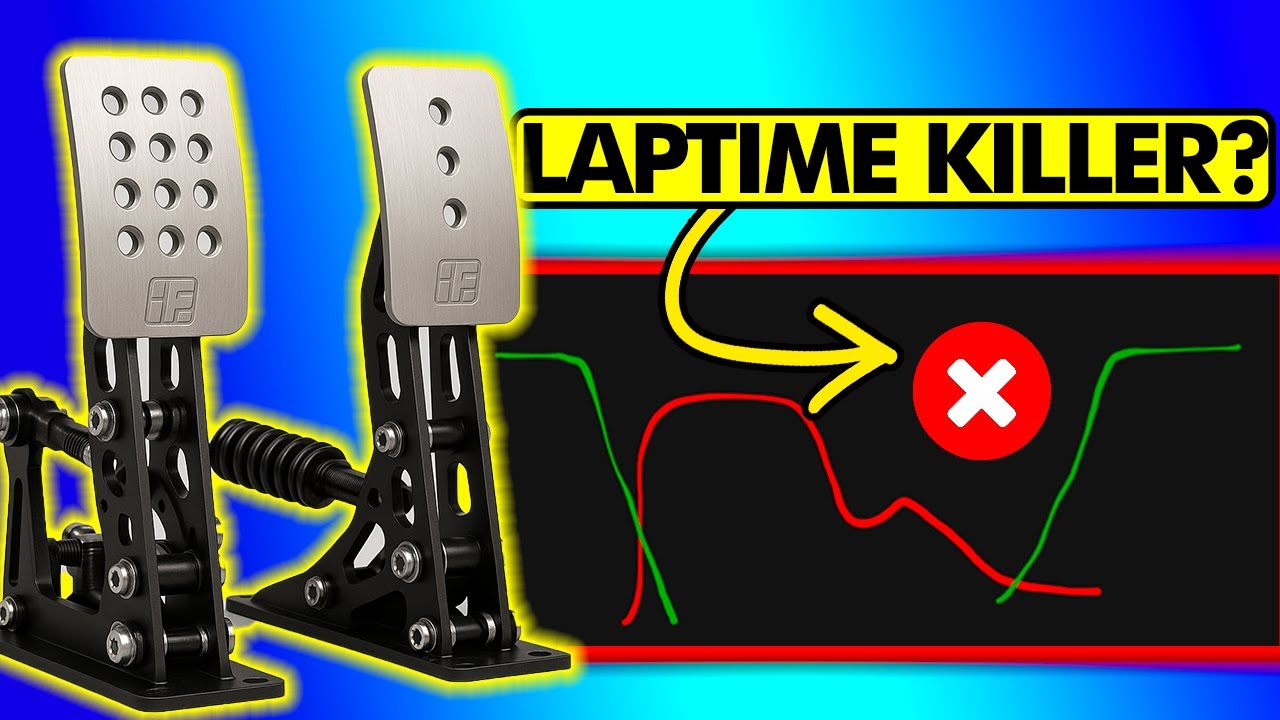
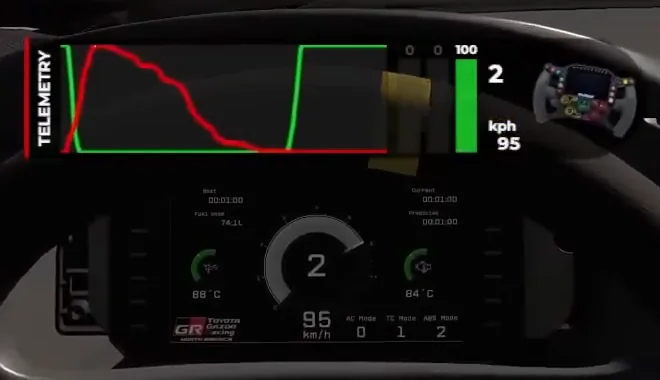
- Brake release speed. What you don't want to see is a hard initial hit followed by an instant drop to zero. The brake trace should show: hard hit — hold — gradual trail off into the corner. If yours shows a cliff drop after the initial peak, you're leaving rotation and front-end load on the table.
- Pressure in the lower range. Watch for a gap between your brake trace going to zero and your throttle coming in. That gap is a dead zone in your driving — a moment where you have no brake and no throttle, and the car is just coasting. You want to hold a small amount of brake pressure right up until you apply the throttle. That overlap is trail braking working correctly, and it gives you the front-end rotation that fires you out of the corner.
A good pedal setup doesn't make you a better driver on its own — but it removes the friction between your intention and what the car actually does. Once the rig is stable, your foot is pressing straight, your dead zone is precise, your force is tunable, and you understand what your pedal's stages are telling you, the technique stuff clicks much faster. Put in a few sessions working through these steps in order, and you'll feel the difference before the end of the first session.
One thing worth knowing once the hardware is sorted: almost every pedal releases faster than you intend, because the elastomers store force and your muscles are working near the top of their range. That quietly costs you front load on corner entry — why matching the reference lap's minimum speed still leaves you slower covers what it does and how to compensate.
Want a second pair of eyes on it? In a 1-on-1 coaching session a coach watches your brake trace live and tells you which of these to fix first.
Brake pedal setup FAQ
What is a load cell brake pedal and is it worth it for sim racing?
A load cell brake pedal measures the force you apply rather than how far the pedal travels, so you brake by pressure like a real car instead of by position. This makes hard, repeatable braking far easier to nail consistently. It is one of the best upgrades you can make, but only after your rig is rock solid. A sturdy mount and good ergonomics beat an expensive load cell bolted to a wobbly desk every time, so fix the foundation first.
How do I calibrate my brake pedal deadzone for sim racing?
Open a telemetry or pedal overlay so you can see your exact brake percentage in real time. Press to around 20 percent, then slowly release roughly 1 percent at a time and watch where you lose clean control of each step. If the input starts jumping between values at, say, 4 percent, your deadzone is too large and is eating the low-end resolution where trail braking lives. Shrink it until you can hold a steady 1 percent without it flickering to zero.
Why does my brake pressure drop off in the middle of a corner?
Usually it is one of two things: physical fatigue or the pedal's stiff stage surprising you. If your leg gives out and you slide from 80 to 60 percent, your maximum force is set too high, so lower it until you can firmly hold 80 percent for about ten seconds. If pressure fades right where the pedal stiffens, your brain is unconsciously easing off when the resistance jumps. Treat that stiffer stage as your cue to hold and you can trail off smoothly instead.
How should I set up my brake pedal for ACC versus iRacing?
The hardware approach is identical across both: a stable rig, heel planted, a precise deadzone and a maximum force you can hold firmly for about ten seconds. What changes is how each car responds. The GR86 in iRacing, for example, can take full initial brake pressure on the straight without triggering ABS, so you should use all that grip. Other cars in either title punish a full initial hit. Learn whether your car rewards or punishes maximum initial braking and adapt your trace.
Is the Logitech G29 brake pedal good enough or do I need a load cell?
The G29 stock brake is travel based with a progressive rubber stop, so you brake by distance rather than force, which makes high-pressure consistency harder. It can absolutely teach the fundamentals once you stop the pedals moving and dial in the deadzone. A load cell upgrade, whether the Fanatec CSL Pedals Load Cell Kit, a Moza set or another brand, gives you pressure based braking and far better modulation at the top end. Upgrade when the pedal is your limiting factor, not before.
Why can't I brake consistently in sim racing even with good pedals?
The most common culprit is your rig moving, not your pedals. If the frame, seat or chair shifts under hard braking, no amount of software tuning or expensive hardware will make you repeatable. Lock everything down first with clamps, a heel stop or a carpet anchor. Then check that your heel stays planted and your foot presses straight into the pedal face, and verify your deadzone and force using the 1 percent and ten-second hold tests. Consistency comes from a stable platform.
This guide is part of the free library at GitGud Racing Academy — an online sim racing academy built around weekly lap reviews, structured courses, drills and training tools.
Train this the right way
Reading is step one. Build it into muscle memory with structured, car-specific courses and personal lap reviews from a coach — inside the Academy.
Join the Academy · $39.99/mo incl. VATWatch the full video on YouTube