Sim Racing Head Tracking: I Tested a Webcam Eye Tracker
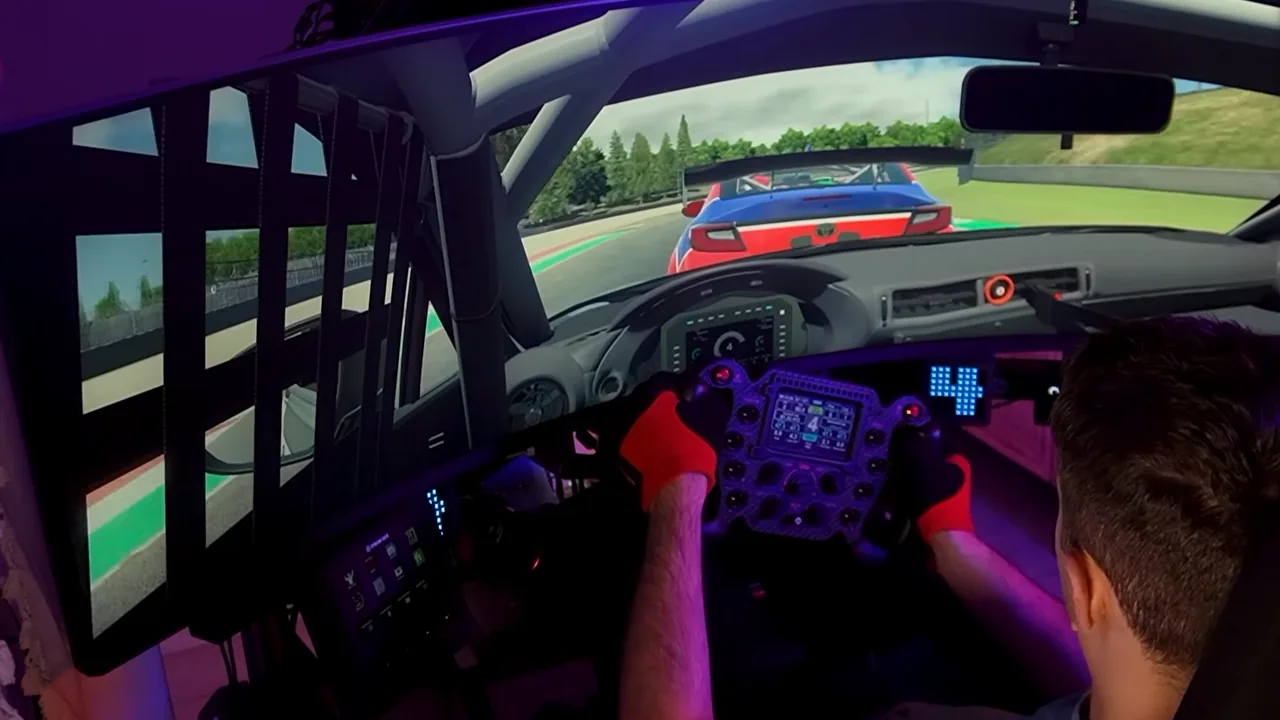
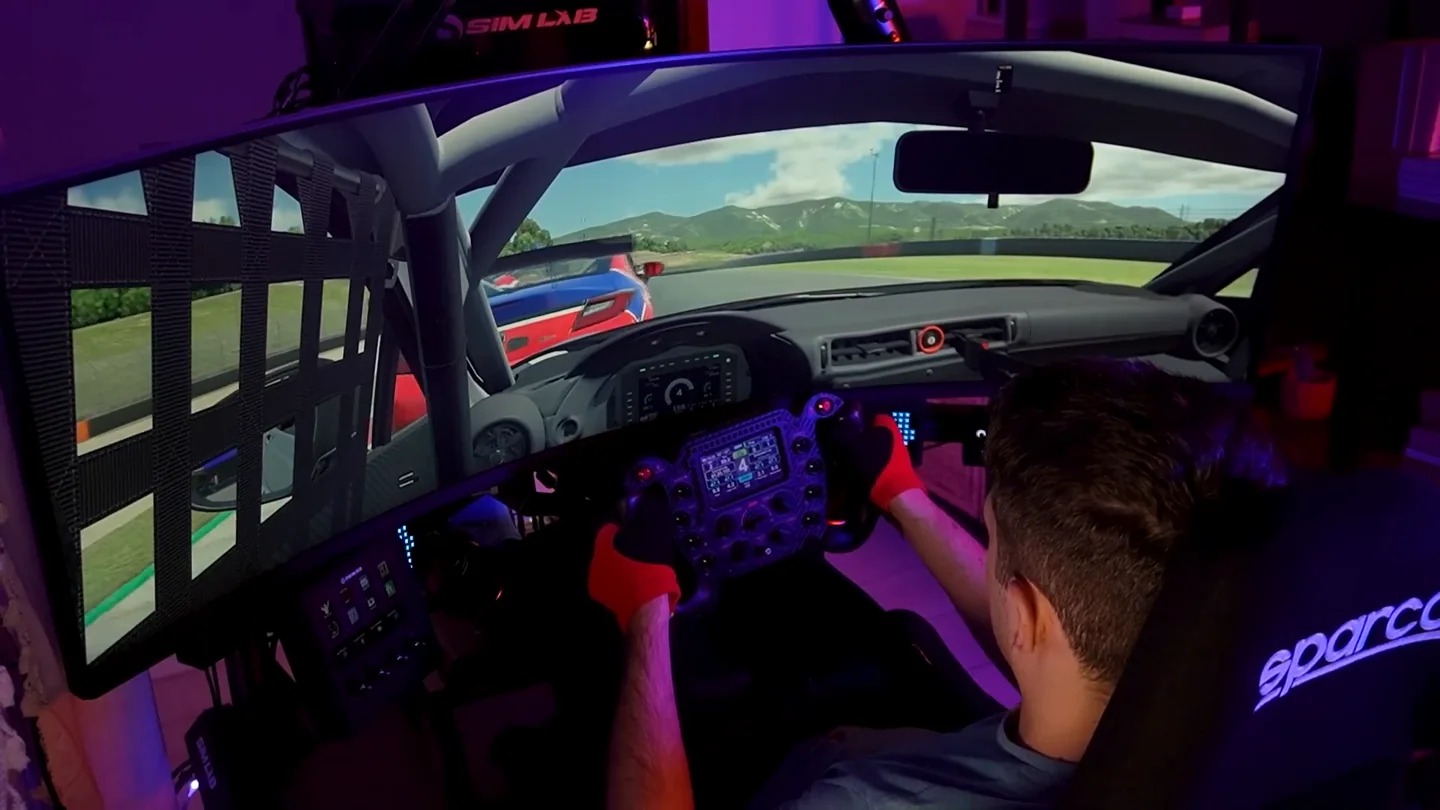
Head tracking makes sim racing on a single monitor feel considerably more natural, because it lets you look toward an apex or check a car alongside you without touching your field of view. I spent several days testing it with an ordinary webcam rather than dedicated hardware, and the honest summary is this: it improved my vision and my lap times in specific corners, and the tracking delay and the loss of stable peripheral vision stopped it from replacing triples or VR. Here is exactly what it does, what it does not do, and who it is actually for.
Is head tracking good for sim racing?
Yes, particularly on one screen. It earns its place when you need to look through a long corner, find an apex that would otherwise sit outside the edge of your display, or check where a car is while you are side by side. What it does not do — and this is the single most misunderstood thing about it — is show you more of the world at once.
Head tracking, eye tracking and field of view are three different things
These get used interchangeably and they should not be:
- Head tracking — moving your head turns the in-game camera.
- Eye tracking — where your gaze lands also contributes to where the camera points.
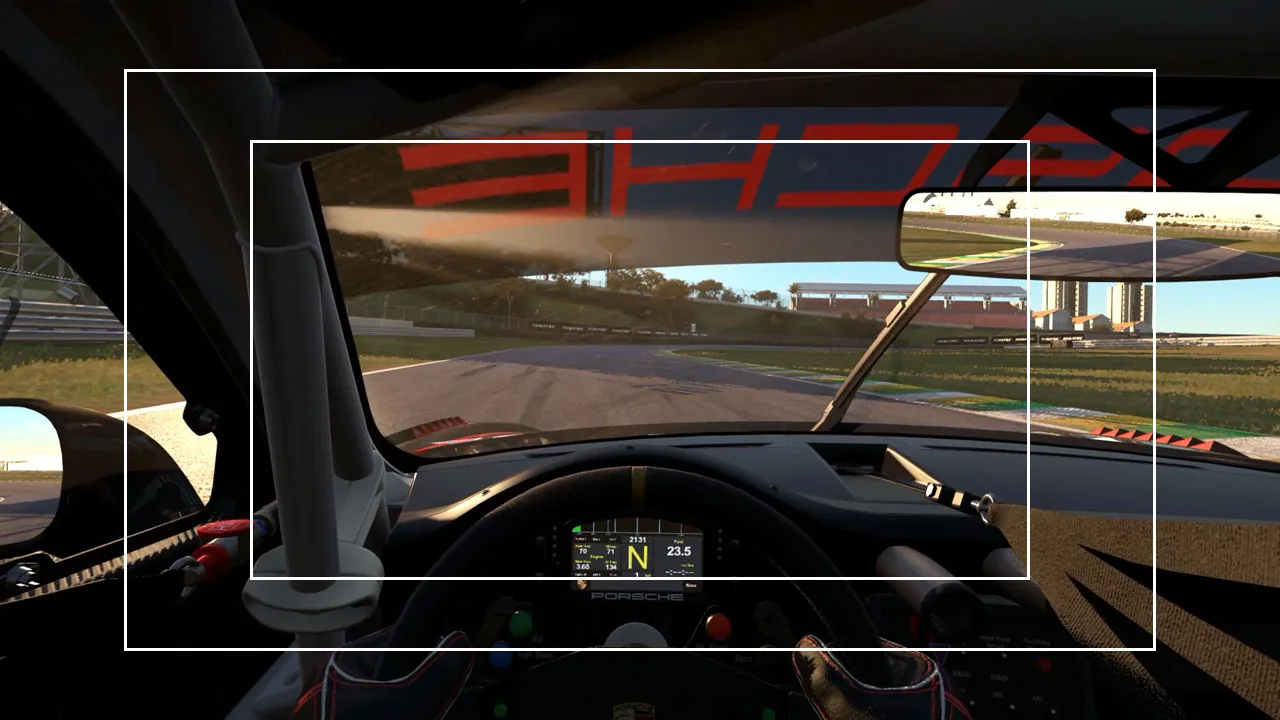
- Field of view — how much of the virtual world is rendered on your screen at any one moment.
The first two change where you are looking. Only the third changes how much you can see. Confusing them is why people buy a tracker expecting the effect of a wider screen and end up disappointed by something that is working correctly.
Does head tracking increase your field of view?
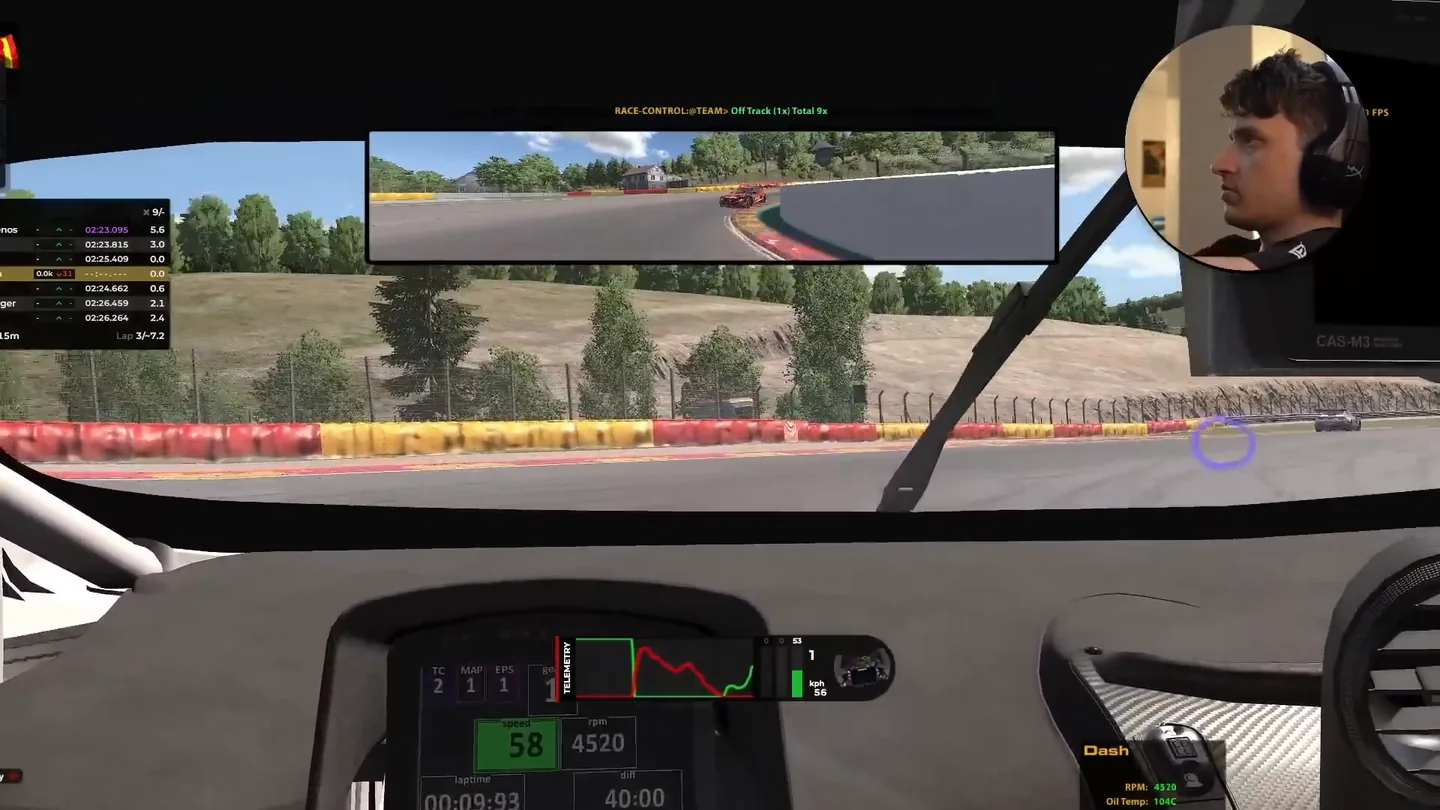
No. It changes where the camera is pointing; it does not widen what the camera captures. The best way I can put it is that you are sliding a small window across a panoramic image — the window moves freely, but it never gets bigger.
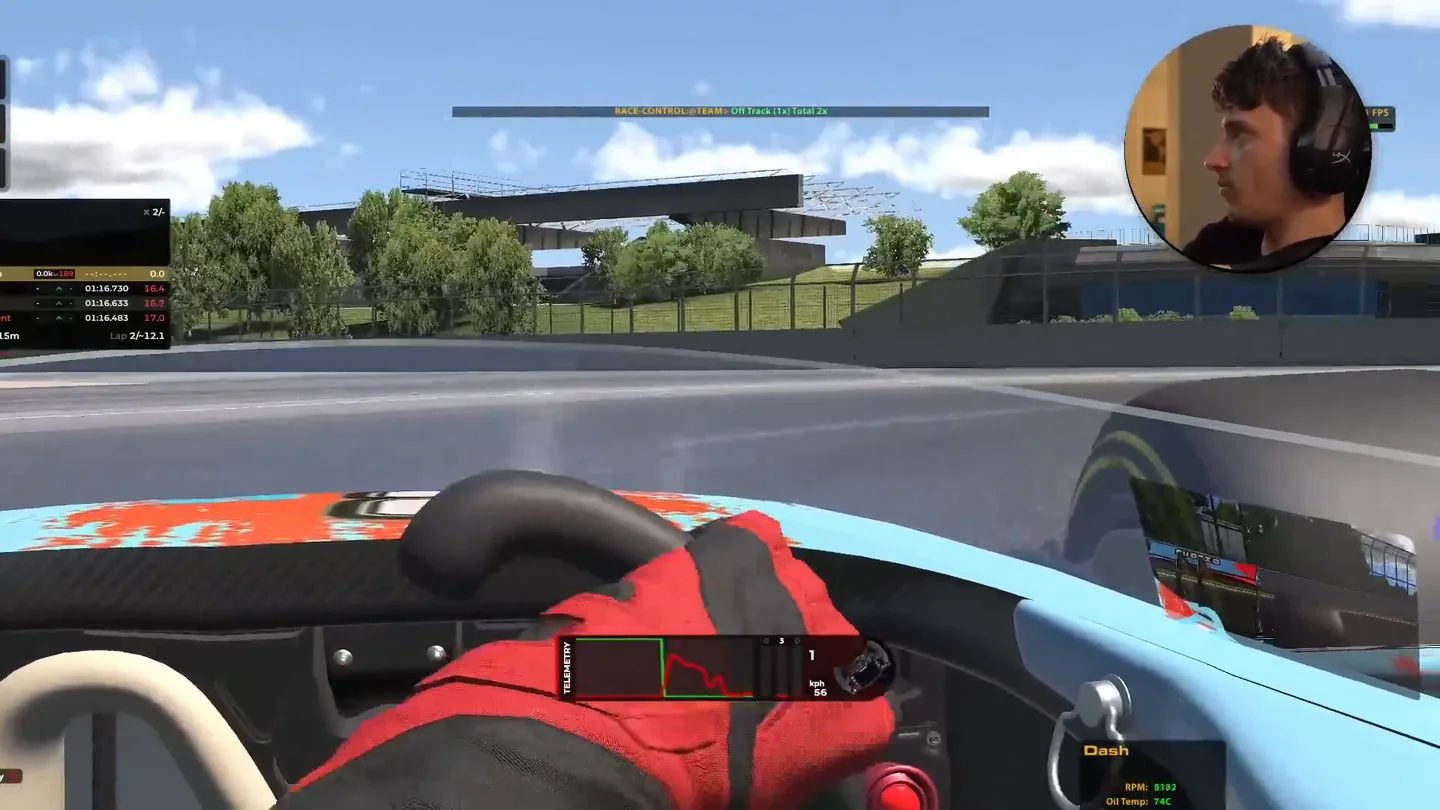
That distinction has a practical consequence: head tracking is not a fix for a wrong field of view, and it is not a substitute for setting one. Get the number right first with the sim racing FOV calculator, then decide whether you still want to be able to look around.
What I tested: Beam Eye Tracker with an ordinary webcam
The software was Beam Eye Tracker, running on a normal webcam rather than a dedicated infrared device — no worn clip, no extra hardware beyond a camera most people already own. Beam supplied a licence for testing, which I should say plainly up front; the opinions below are what I actually found on my own rig.
It supports the racing titles you would expect natively, and reaches a much longer list through an opentrack bridge, which is not the same thing as native support and can behave differently. Camera requirements are modest — a 720p webcam at 30fps is officially enough — but frame rate is exactly where the experience is decided, which I will come back to.
The biggest benefit: actually looking into the corner
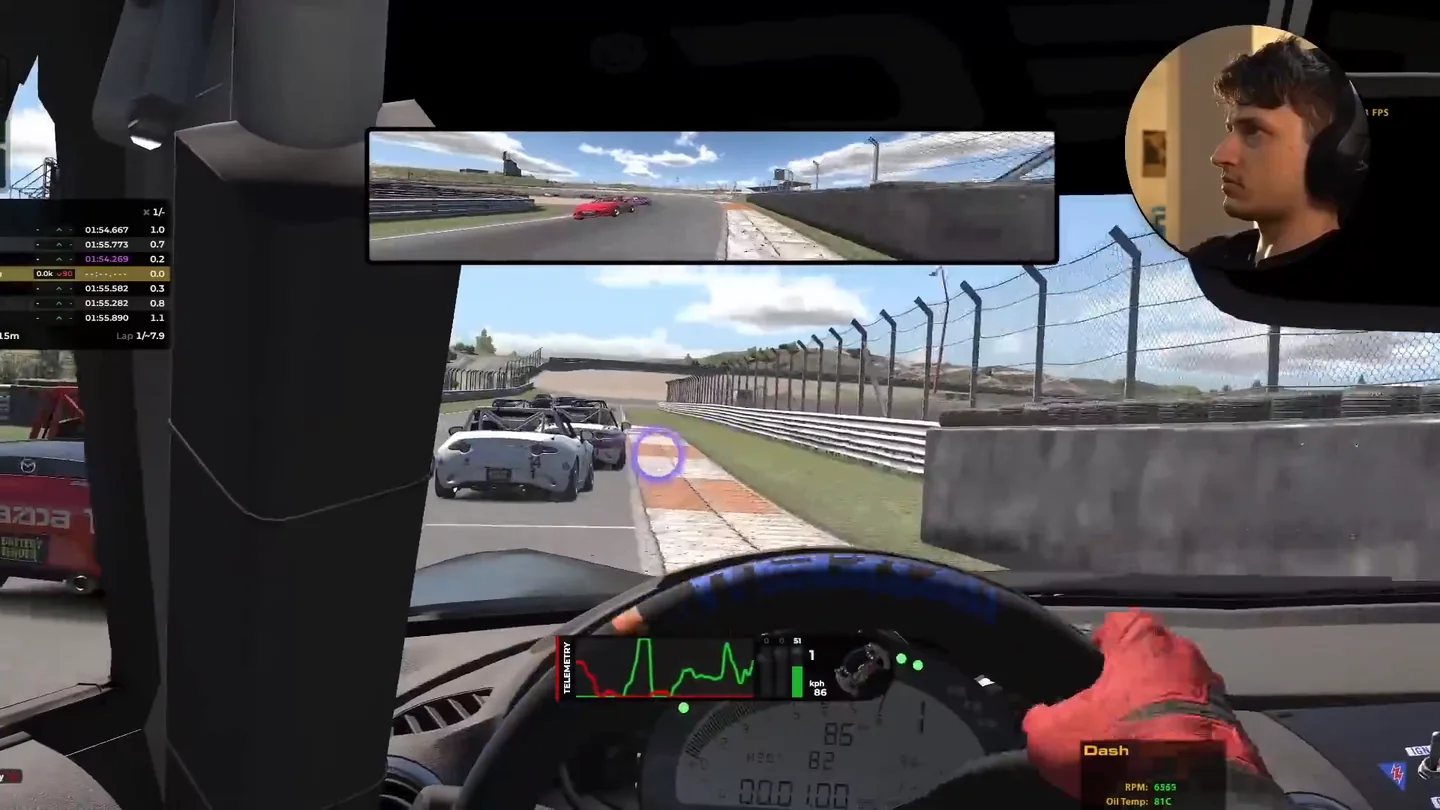
The clearest gain was on heavily angled corners, where the track continues somewhere your screen simply does not cover. Normally you commit from memory and pick the road up again once the car has rotated. With tracking, you look where you are going, the way you would in a real car.
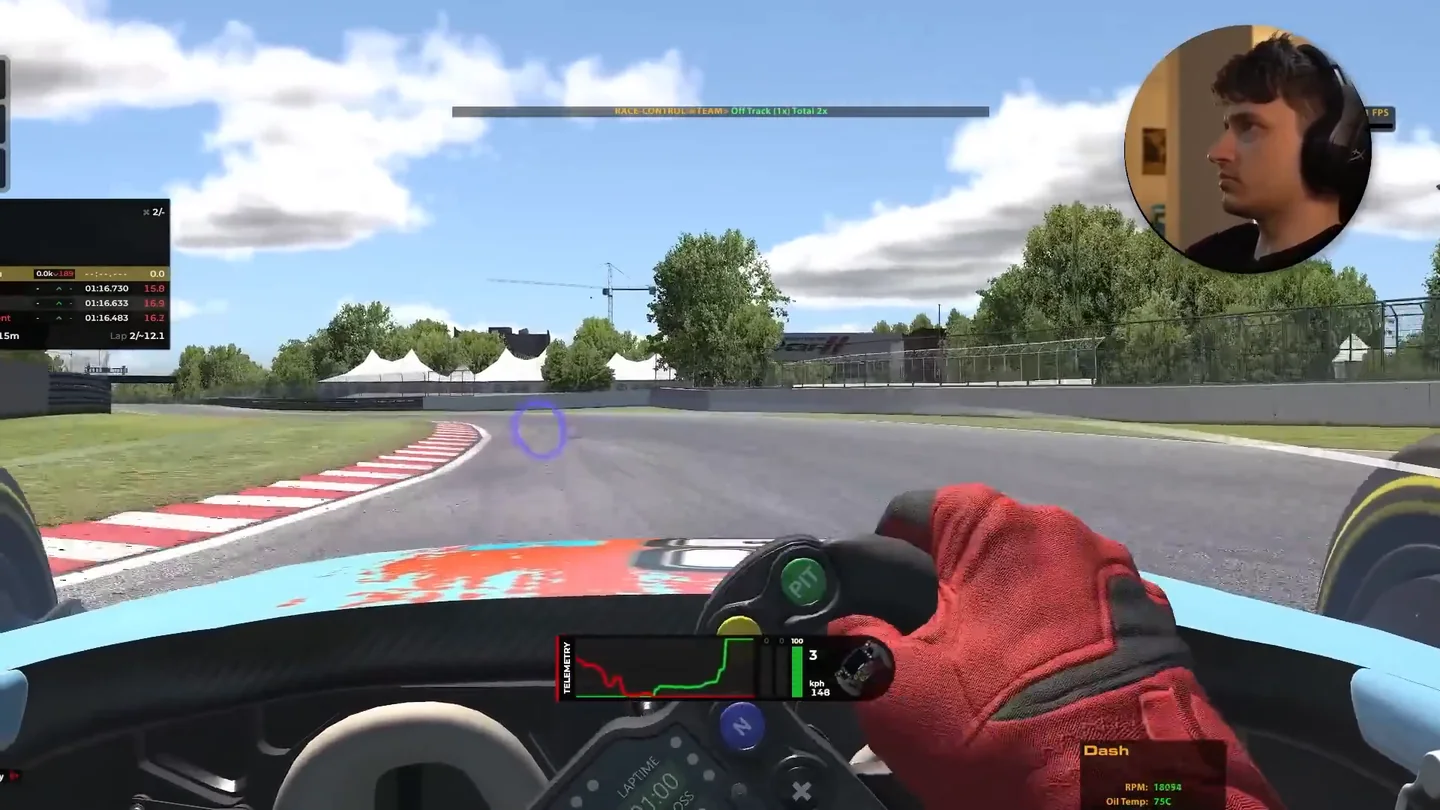
That matters more than it sounds, because vision is the front of the whole chain: you acquire a reference, the reference sets your timing, and your timing sets your consistency. Seeing the apex earlier does not add grip, but it does let you act on something real instead of a remembered picture.
Can head tracking make you faster?
Not inherently — it does not change the car. But in my testing I did beat previous personal bests in several cars, and I am fairly confident the reason was simply that I could see and connect certain corners better than before. That is a real effect, and it is also a much smaller and more specific claim than "head tracking makes you faster", which is what most pages selling one will tell you.
Where it helps most: single monitor, wheel to wheel
On a narrow single screen, a car alongside you leaves your view long before it stops being a factor. You know it is there, you cannot see it, and you make a decision on faith. Being able to glance sideways replaces that guess with information.
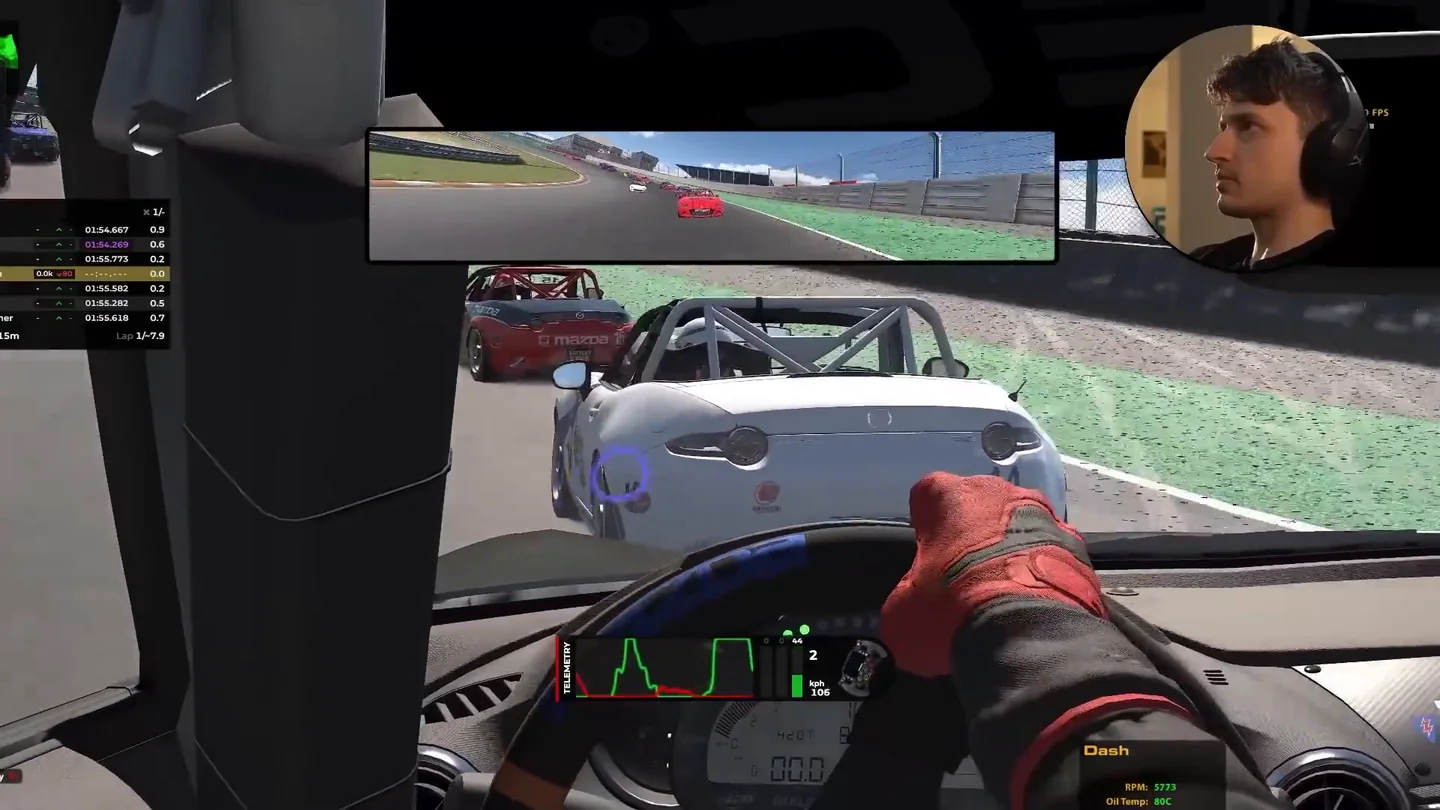
The limitation is the one already stated: you get left or right, never both at once. A wider display gives you both simultaneously and permanently, which is a different and better thing — that trade-off is the whole subject of single, ultrawide and triple screens compared.
The tracking delay is the real problem
This is where my enthusiasm ran out. There was a visible lag between my head moving and the view following, and sim racing is unusually sensitive to it: you are making decisions on inputs that matter in milliseconds, and a view that arrives late is worse than a view that never moved.
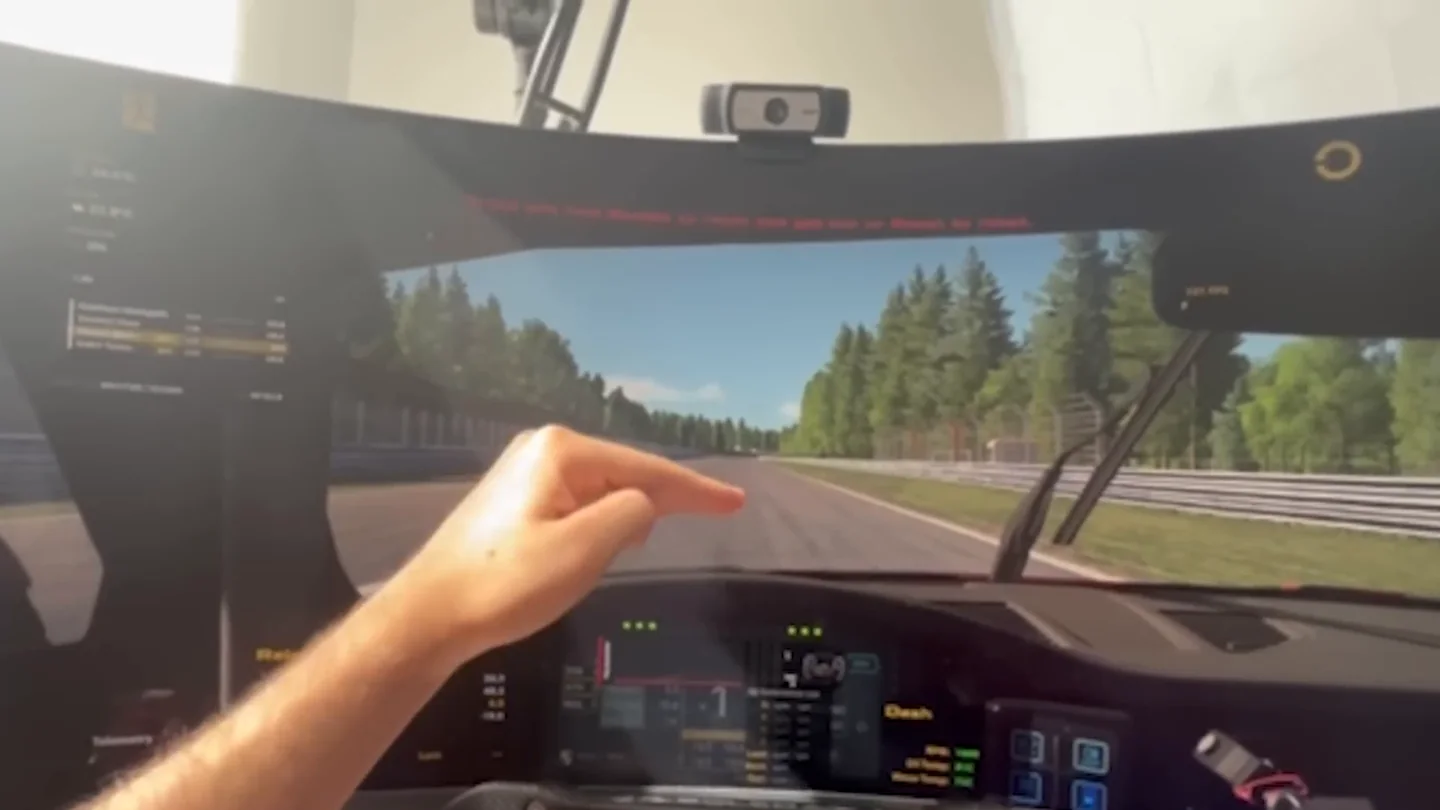
I could reduce it by moving my head and eyes more smoothly, but it never disappeared. Several things were working against me — my camera was mounted above eye level, my lighting was ordinary, and my webcam's frame rate was not high. A faster camera genuinely helps here; Beam's own guidance is that 60fps and above tracks more smoothly with lower latency, even though a slower camera technically works.
Getting better tracking out of a webcam
Most of what made my experience worse was fixable, and none of it was the software's fault:
What actually changes how it feels
- Camera height. As close to eye level as you can manage. Mine sat above it, and looking down at a camera that is looking down at you is the worst case.
- Face it squarely. An angled camera has less of your face to work with and gets less certain about what it is seeing.
- Even lighting. Not brighter — more even. Side lighting and backlighting both cost accuracy.
- Frame rate over resolution. A higher frame rate does more for latency than more pixels do.
- Avoid very wide-angle webcams. Beam specifically warns that 90–120° lenses tend to overshoot the tracking.
- Re-centre before you drive, and start with less movement than feels natural. Big motion amplifies the delay you are trying not to notice.
Webcam tracking vs TrackIR, Tobii, VR and triples
I have not tested every option in this round, so the table is about what each thing technically is rather than a shoot-out:
| Option | Hardware needed | Tracks | Sees more at once | Best for |
|---|---|---|---|---|
| Webcam tracking | A webcam | Head and eyes | No | Cheapest way to look around |
| TrackIR 5 | IR camera + worn clip | Head only, 6DoF | No | Precise, low-latency head tracking |
| Tobii Eye Tracker 5 | Dedicated tracker | Head and eyes | No | Tracking without wearing anything |
| VR | Headset | Head, natively | Yes | Maximum immersion |
| Triple screens | Three monitors | Nothing | Yes | Permanent peripheral vision |
Worth clearing up two things people mix up. opentrack is free software that passes tracking data into games — it is not a competing device, and several trackers use it as a bridge. And TrackIR is head-only and needs something worn on your headset, whereas Tobii does head and eye tracking with nothing on your face; they are usually listed as rivals but they are not doing the same job.
Notice the fourth column. Only the two options that add display area let you see more simultaneously. Everything else moves the same window around.
So is it worth it?
It depends almost entirely on what you already own.
- Worth trying if you race on one 27–32″ monitor, already have a decent webcam, and want corner vision without buying displays or a headset. It is the cheapest meaningful improvement to looking around that exists.
- Probably not if tracking latency bothers you in competitive racing. It bothered me, and I was not able to eliminate it.
- Not a replacement for a correct field of view, triples, or VR. If you already run triples or a headset, I would not buy webcam tracking for sim racing specifically.
My overall verdict is that it is a genuinely fun tool with a real use case that is narrower than its marketing, and that the core idea is sound enough that better cameras and better conditions would move it a long way. If you want the rest of the cheap-first list it belongs on, the cheap upgrades guide puts it next to everything else competing for the same money — and for most single-screen drivers, fixing the field of view first is still the bigger and free-er win.
If what you actually want is to know whether your vision is the thing costing you time — rather than whether a gadget helps — that is the sort of question the GitGud Racing Academy answers directly: send a lap, and a coach tells you where you are looking and where you should be.
Sim racing head tracking FAQ
Is head tracking good for sim racing?
Yes, particularly on a single monitor. It earns its place when you need to look through a long corner, find an apex that sits outside the edge of your screen, or check where a car is while you are side by side. It will not make the car faster, though better vision through specific corners can genuinely improve your lap times there. What it does not do is show you more of the world at once.
Does head tracking increase your field of view?
No. Head tracking changes where the camera is pointing; it does not widen what the camera captures. The clearest way to picture it is sliding a small window across a panoramic image, where the window moves freely but never gets bigger. That means it is not a fix for an incorrect field of view and not a substitute for setting one, so calculate your FOV properly first and treat tracking as a separate question.
What is the difference between head tracking and eye tracking?
Head tracking turns the in-game camera when you move your head. Eye tracking lets where your gaze lands also contribute to where the camera points. Field of view is a third and separate thing entirely: how much of the world is rendered on screen at any moment. The first two change where you are looking and only the third changes how much you can see, and confusing them is why people buy a tracker expecting the effect of a wider screen.
Can you use an ordinary webcam for head tracking in sim racing?
Yes. Software such as Beam Eye Tracker works from a normal webcam with no worn clip and no infrared hardware, and a 720p camera at 30fps is officially enough to run it. Frame rate is where the experience is actually decided, though, and a 60fps or faster camera tracks more smoothly with noticeably less delay. Very wide-angle lenses in the 90 to 120 degree range tend to overshoot and are worth avoiding.
Why does webcam head tracking feel laggy?
Because several ordinary things stack up: a camera mounted above eye level rather than at it, uneven lighting, a low webcam frame rate, and large head movements that amplify whatever delay exists. Sim racing is unusually sensitive to this since you are acting on inputs that matter in milliseconds, so a view that arrives late is worse than one that never moved. Moving your head more smoothly reduces it but does not remove it.
This guide is part of the free library at GitGud Racing Academy — an online sim racing academy built around weekly lap reviews, structured courses, drills and training tools.
Train this the right way
Reading is step one. Build it into muscle memory with structured, car-specific courses and personal lap reviews from a coach — inside the Academy.
Join the Academy · $49.99/mo incl. VATWatch the full video on YouTube